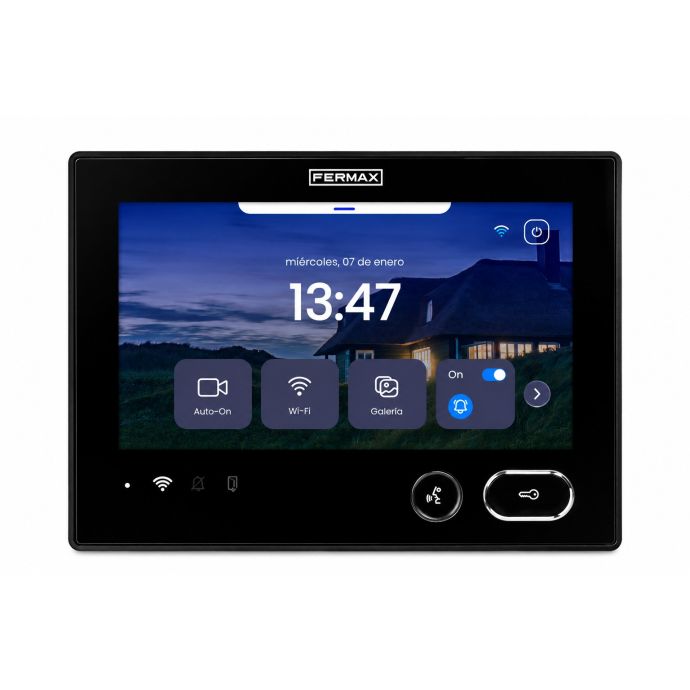
Fermax DUOX PLUS WiFiVideo door entry kits and monitors
Choose a complete installation or upgrade the monitor in a compatible system. DUOX PLUS combines a digital 2-wire installation with WiFi monitors so you can receive calls, see who is calling, talk to visitors and open the door from your mobile using DuoxMe.
2 non-polarised wires · WiFi monitors · Mobile control with DuoxMe
Fast shipping24/48-hour delivery to mainland Spain and Portugal on in-stock models.
Compatibility checkWe help you check the system, monitor, connectors and required components.
Professional pricingSpecial pricing for installers and companies with a professional account.
How it works
DUOX PLUS: 2 wires for the installation and WiFi for mobile control
They are two different layers of the same system. DUOX PLUS handles the physical video door entry communication, while the monitor WiFi connection adds mobile functions.
1
DUOX PLUS installation
Digital 2-wire non-polarised system connecting the entrance panel, monitors and other installation components. This is the technology that must be compatible if you only want to replace the monitor.
2
Monitor WiFi + DuoxMe
Compatible WiFi monitors connect to the Internet and let you receive calls, speak to visitors and open the door from your mobile using DuoxMe.
Important: WiFi does not mean “wireless installation”. The physical DUOX PLUS installation still uses 2 wires; WiFi connects the monitor to the Internet and brings video door entry functions to your mobile.
Mobile control
Control your video door entry system from your mobile with DuoxMe
The monitor WiFi connection brings the main video door entry functions to your smartphone. With DuoxMe, you can answer a call even when you are not in front of the indoor monitor.
☎
Receive calls
Answer video door entry calls from your mobile.
◉
See who is calling
See the entrance panel camera image when a call comes in.
◌
Talk to visitors
Speak to your visitor from your smartphone.
↗
Open the door
Release the door when the installation is configured for it.
Start with your installation
What do you need?
If you are starting from scratch, choose a kit. If you already have a compatible DUOX PLUS installation, compare the WiFi monitors directly. In both cases, the WiFi monitor is what links the system to DuoxMe and brings its functions to your mobile.
New installation or complete replacement
I need a DUOX PLUS WiFi kit
Complete solution with entrance panel, WiFi monitor and the main installation components. The kits in this selection include a WiFi monitor for use with DuoxMe. Choose Cityline, Cora or Marine depending on the entrance panel type, with MEMOV or OTO variants available for specific requirements.
Check the installed technology and required connector before buying a standalone monitor. With a compatible WiFi model, you can receive and manage calls from your mobile using DuoxMe.
You do not need to compare every reference at once. Start with how you want to install the entrance panel, then open only the monitor and dwelling options that are relevant to you.
Standard option
Cityline
Fermax flush-mounted entrance panel for a conventional installation. It offers the widest choice of monitor combinations and supports 1 or 2 dwellings.
Flush-mounted1 or 2 dwellingsVEO · VEO-XS · VEO-XL
Not sure which one fits?
For a new installation, tell us how many dwellings you have and how you want to mount the entrance panel. If you are upgrading an existing installation, send us the reference number or photos of the current equipment.
Ask an expert →
If you already have DUOX PLUS
Choose your monitor by format and use
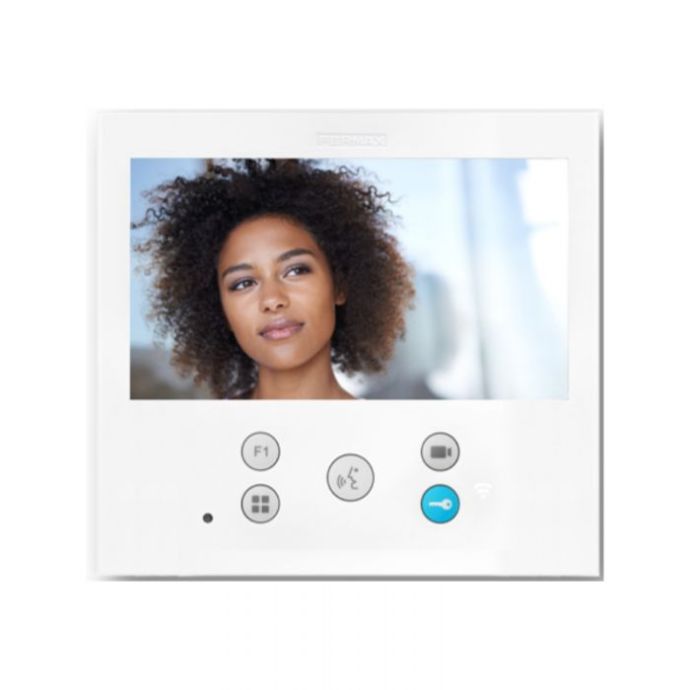
The three main options cover most installations: VEO with handset, VEO-XS hands-free and VEO-XL with a 7-inch display. All are WiFi monitors designed to use DuoxMe mobile functions.
FER9446
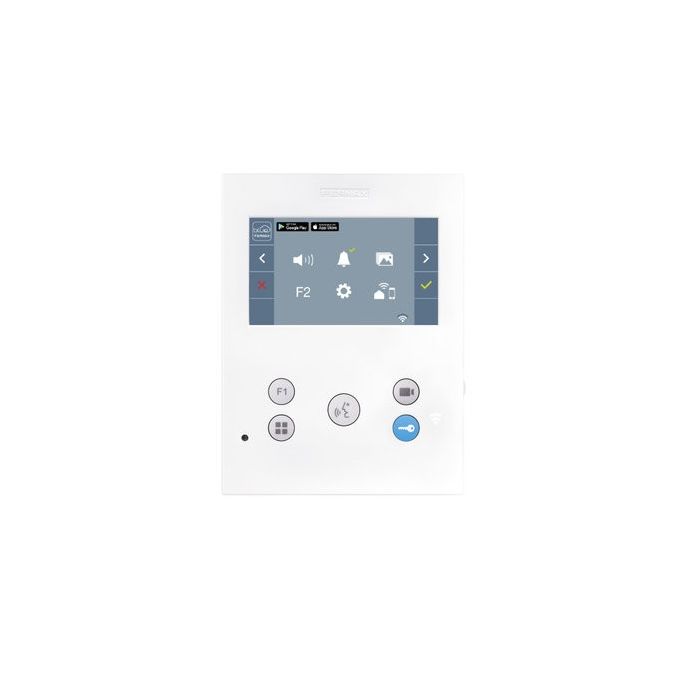
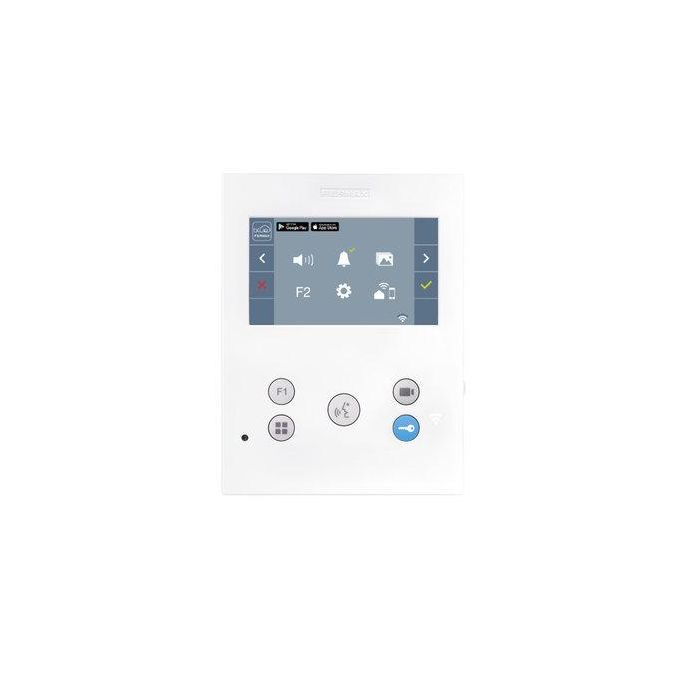
VEO WiFi 4.3”
The traditional option: 4.3-inch display with handset communication.
Before buying a standalone monitor:
confirm that the existing installation is DUOX PLUS and check whether you already have the required connector.
Check compatibility →
If you already have Fermax
Before replacing only the monitor, confirm the installation
Having Fermax equipment does not automatically mean that any DUOX PLUS monitor can replace it directly.
What to check
Check the technology and reference number
Identify whether the installation uses DUOX or DUOX PLUS.
Check the reference number of the current monitor or handset.
Check the power supply and existing components.
Check whether you already have the DUOX PLUS 9447 connector or need to add it.
I am not sure what I have
Send us your installation details before buying
If possible, send us:
A front photo of the indoor unit.
A photo of the label showing the reference number.
The kits shown do not include a door release. For VEO, VEO-XS and VEO-XL monitors sold separately, also check whether you need the DUOX PLUS 9447 connector.
Frequently asked questions
Common questions about DUOX PLUS WiFi
Does DUOX PLUS WiFi work without cables?
No. DUOX PLUS uses a physical 2-wire non-polarised installation. The monitor WiFi connection is used to connect to the Internet and enable mobile functions.
Which app does Fermax DUOX PLUS WiFi use?
Current DUOX PLUS WiFi monitors use DuoxMe to bring functions such as call answering and door opening to your mobile.
Can I buy just a WiFi monitor?
Yes, if the existing installation is compatible. Before replacing the indoor unit, check the technology, reference number, power supply and connector.
Can I make my Fermax DUOX PLUS system WiFi by changing only the monitor?
In many cases, yes. If the existing installation is DUOX PLUS and compatible with the WiFi monitor you want to install, replacing the indoor unit may be enough. Before buying, check the current equipment reference, the power supply and whether you already have the required DUOX PLUS connector.
Which DUOX PLUS WiFi monitors can I choose?
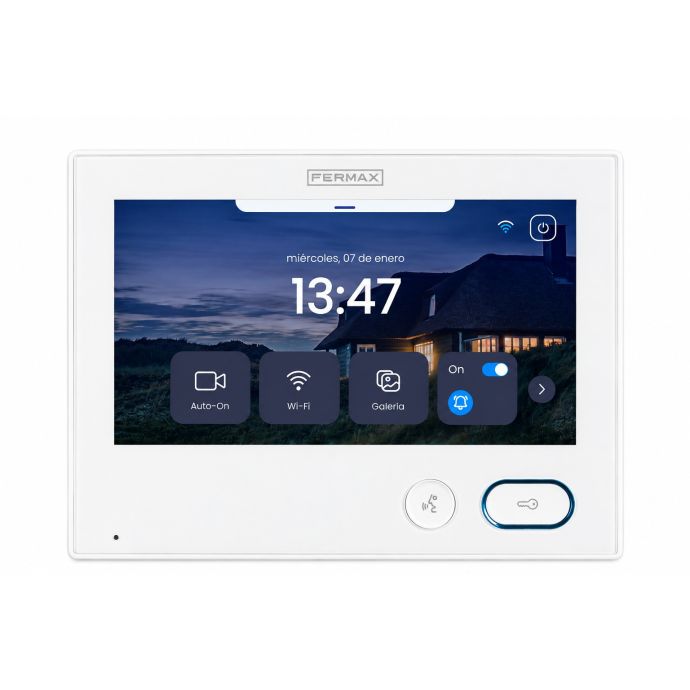
At TDTprofesional we offer VEO WiFi, VEO-XS WiFi, VEO-XL WiFi, VEO-XS WiFi DDA with induction loop, and 7-inch Iris Smart WiFi monitors in white and black. The right choice depends on how you want to use the monitor, screen size, accessibility requirements and the level of functionality you need.
Do I need the Fermax 9447 connector?
The 9447 connector is the mounting connector used by DUOX PLUS VEO, VEO-XS and VEO-XL monitors. If you buy a standalone monitor, check whether you already have a compatible connector or need to add one.
Does the kit include a door release?
No. The kits shown do not include a door release. Choose one that suits the door and the electrical characteristics of the installation.
Not sure which DUOX PLUS WiFi solution you need?
Tell us whether it is a new installation, or send us photos and the reference number of your existing equipment. We can check the solution, compatibility and the mobile functions you want to use before you buy.